Upon initializing the app you will be faced with this interface. Bellow you will find a basic tutorial on how to use the tool.
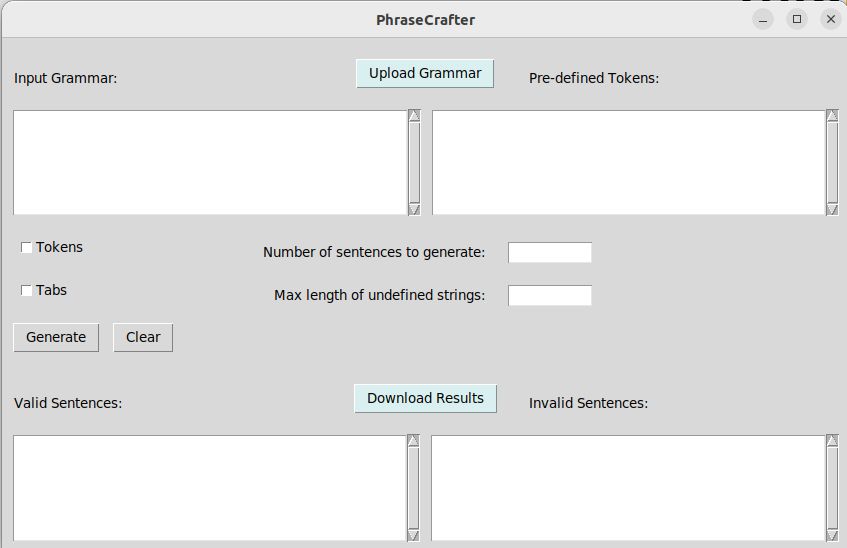
Upon initializing the app you will be faced with this interface. Bellow you will find a basic tutorial on how to use the tool.
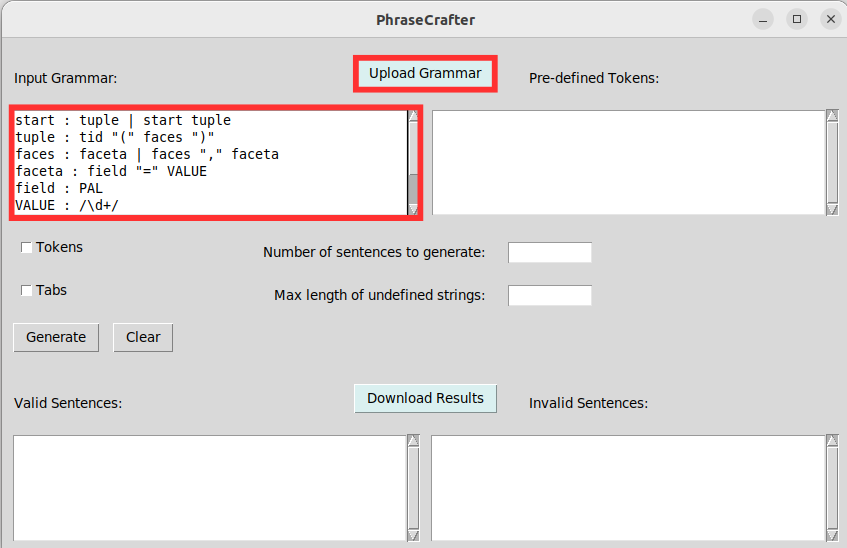
The first step you must take is to write the desired grammar on the input box.
Alternatively, it is possible to use the “Upload Grammar” button to upload a grammar already written on a previously created text file.
Make sure the grammar is correct according to the LARK rules. In case the rules are not followed an error message will be displayed and no sentences will be generated.
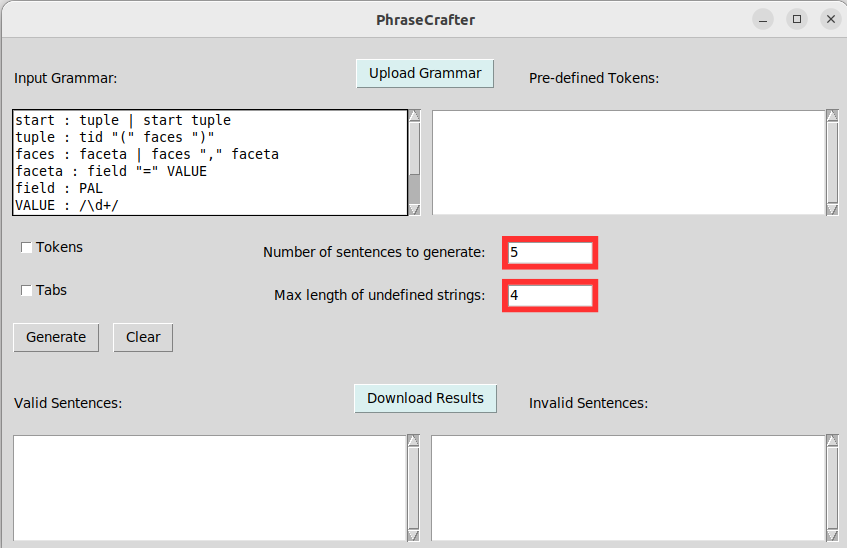
Now you must define the number of sentences to generate and the maximum length of the randomly generated tokens.
Make sure these are written as numerals.
If these boxes are not filled in the program will generate only one valid and invalid sentences and the max length of the tokens will be 512 characters.
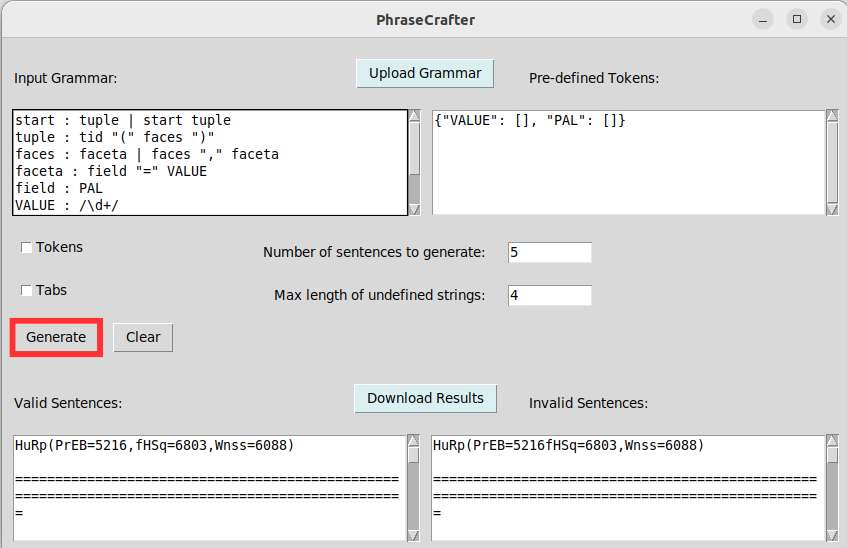
Once all this is done you may click on the "Generate" button. This will cause the requested sentences to be generated.
The left output box will contain the valid sentences while the right output box will contain the invalid ones.
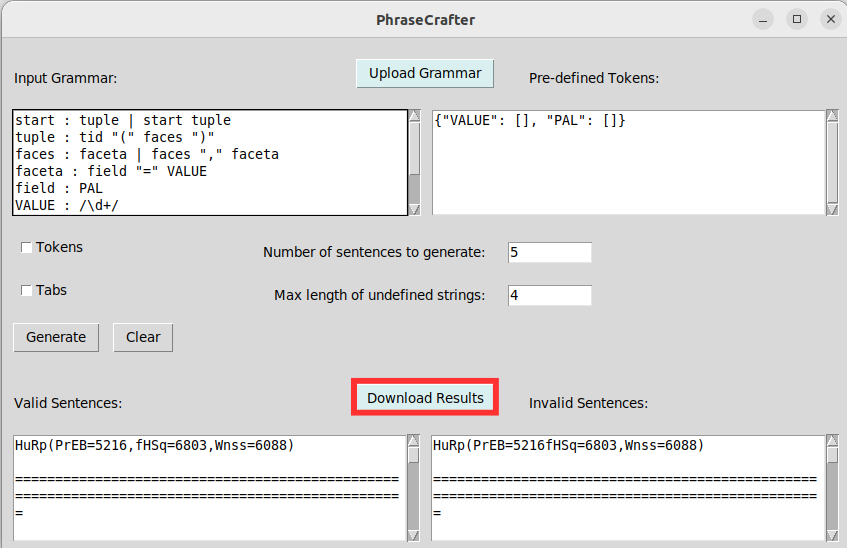
Clicking on the ”Download” button will allow the user to save the generated sentences into distinct files for the valid and invalid sentences.
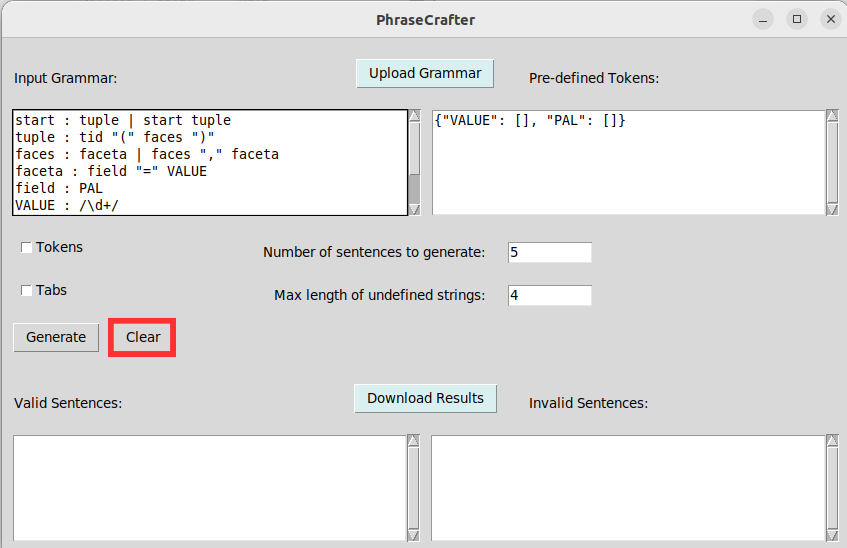
Clicking on the "Clear" button will clear the output boxes.
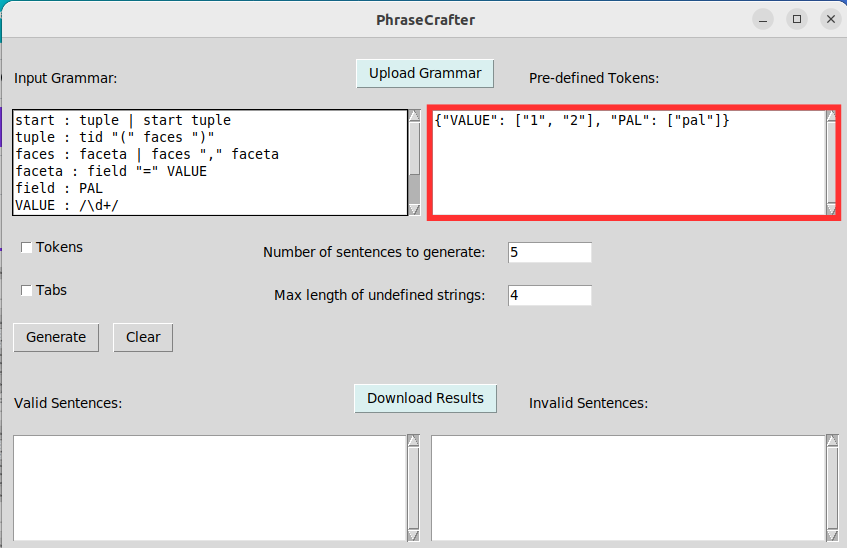
After the first sentence generation, the second input box will be filled with a dictionary containing all the variable tokens for the input grammar. You may add or remove words from this dictionary, which will be used to generate the sentences. The words must be written as a list of strings, separated by commas and enclosed in square brackets, like so: ["token1","token2"].
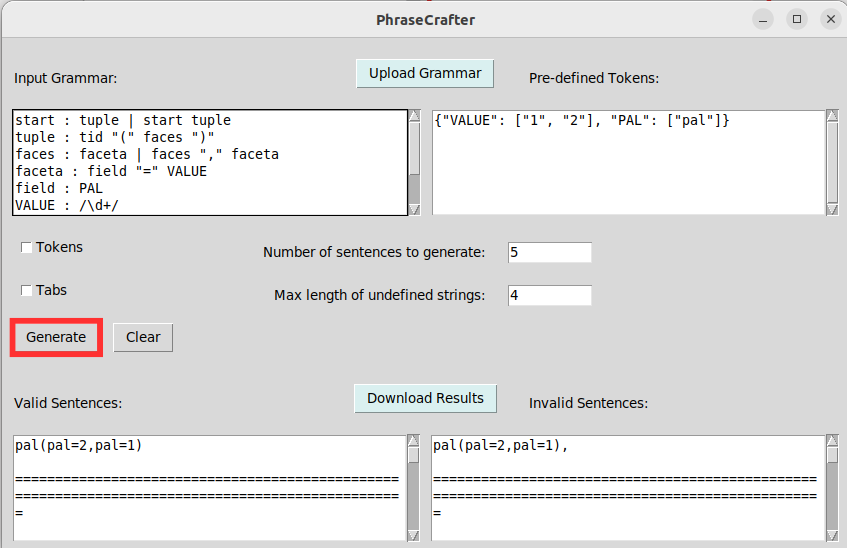
Clicking the "Generate" button once again will generate the sentences with the given words.
If a token doesn't have a word in its dictionary, new words will be randomly generated.
If there is only one word for a token, said word will be used in each instance of the token.
If there are more than one words for a token, they will be randomly selected for each instance of the token.
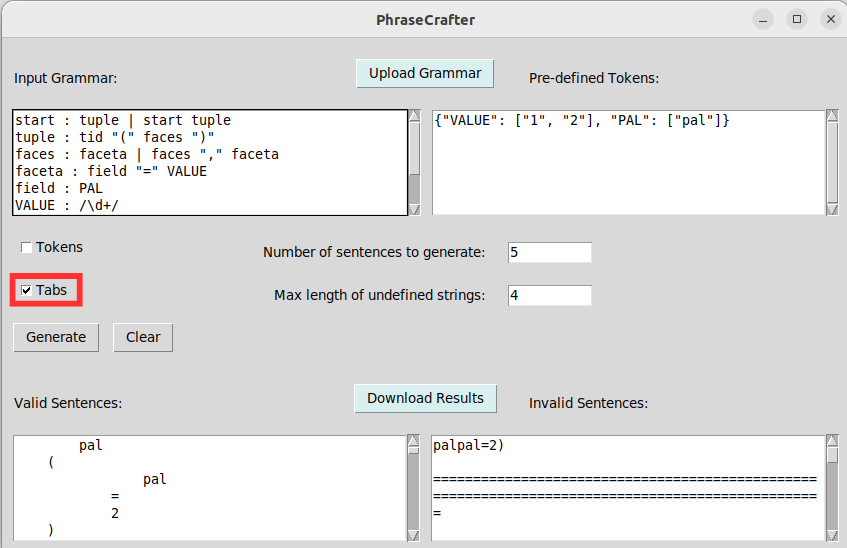
Selecting the "Tab" toggle will make it so the valid sentences are generated in step based on the grammar level of each word.
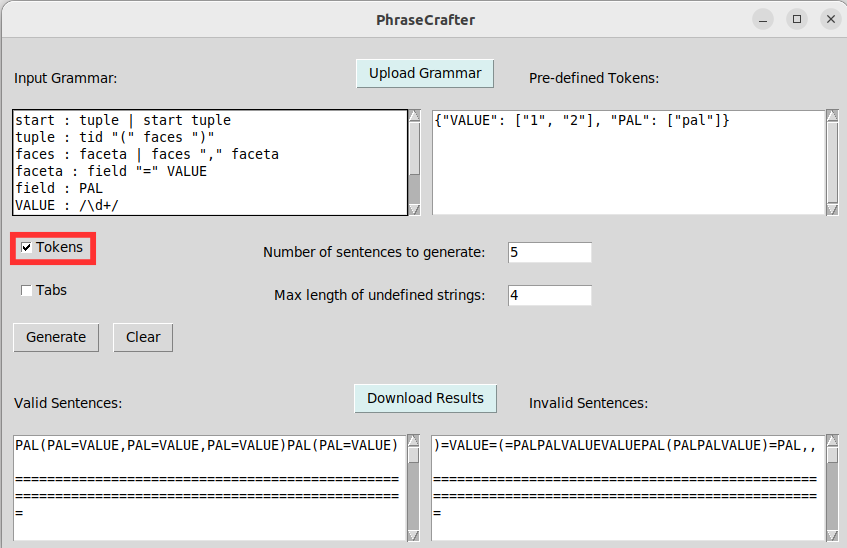
Selecting the "Tokens" toggle will make so that the generated sentences are populated with the literal terminal tokens from the grammar.